I'm drawn to hard problems, the kind where conditions are tough and the answer isn't obvious. That has taken me from railway batteries to GT3 and LMDh builds, onto the pit wall in Ferrari Challenge, and now into race simulation software.
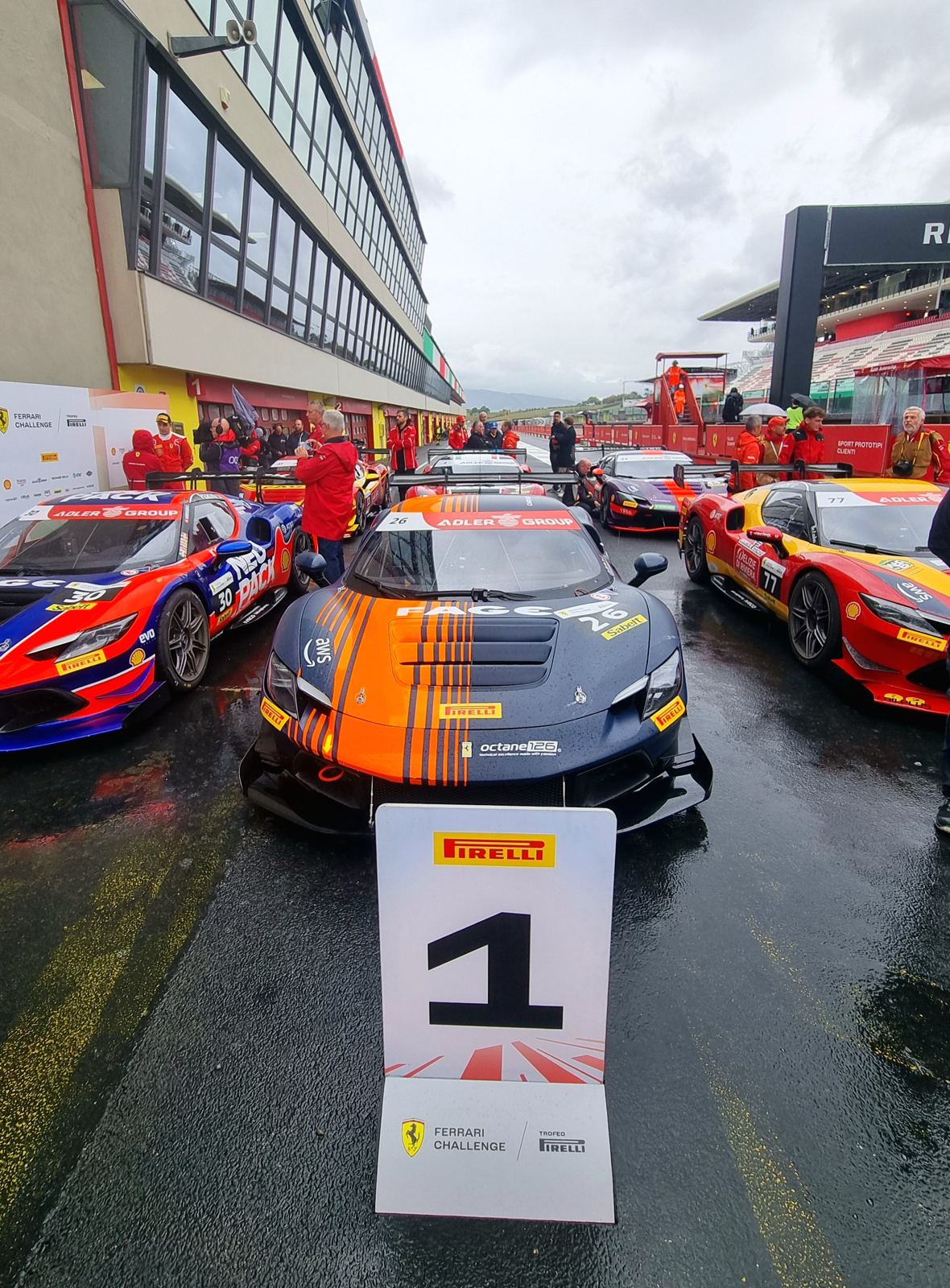
Last season I engineered car 26 in the Ferrari Challenge Trofeo Pirelli Pro: four podiums, including a win at Mugello.
Based
Zürich, Swiss permit B
Languages
French (native), English (C1), German (B1), Spanish (B1)
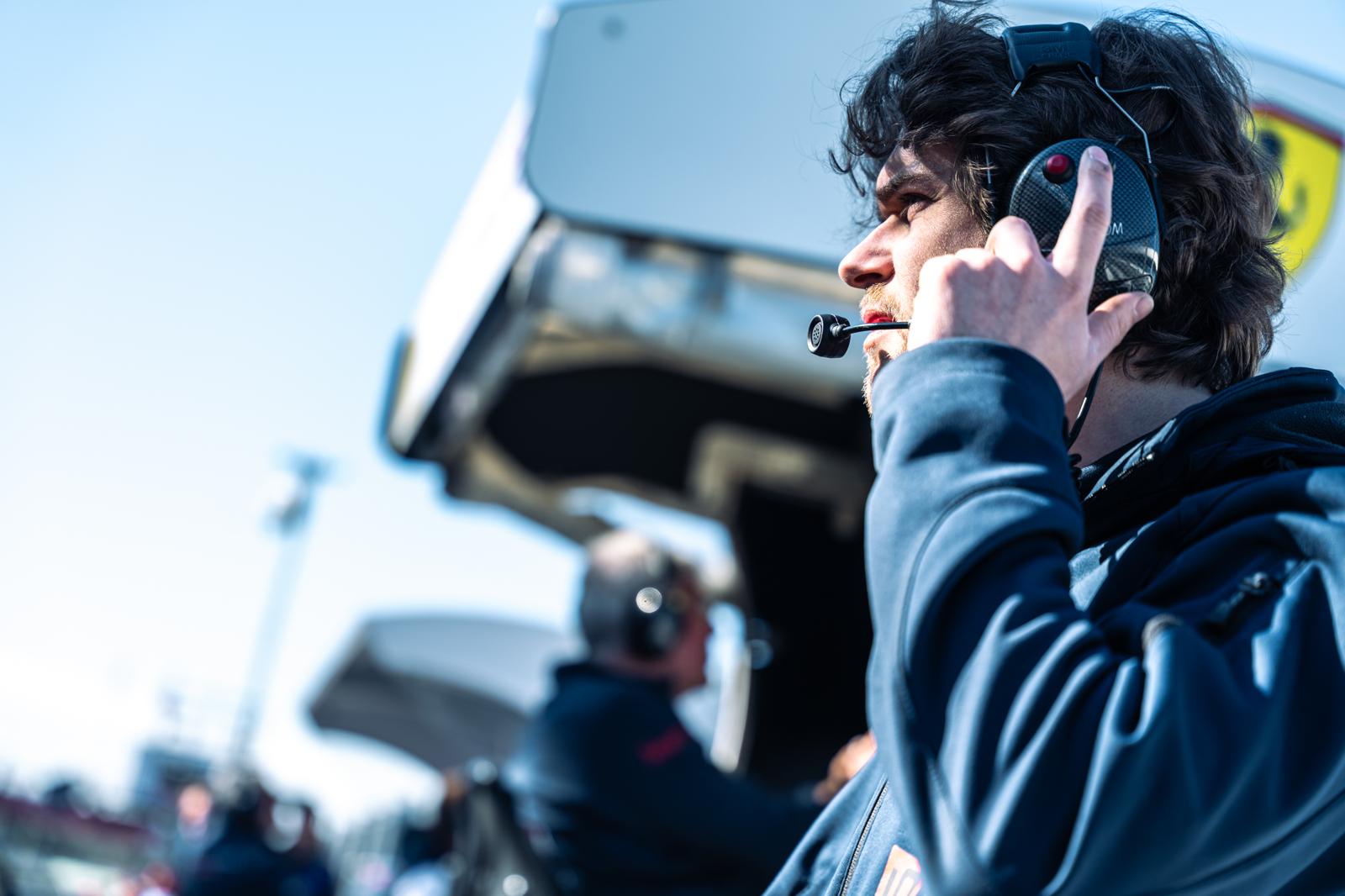
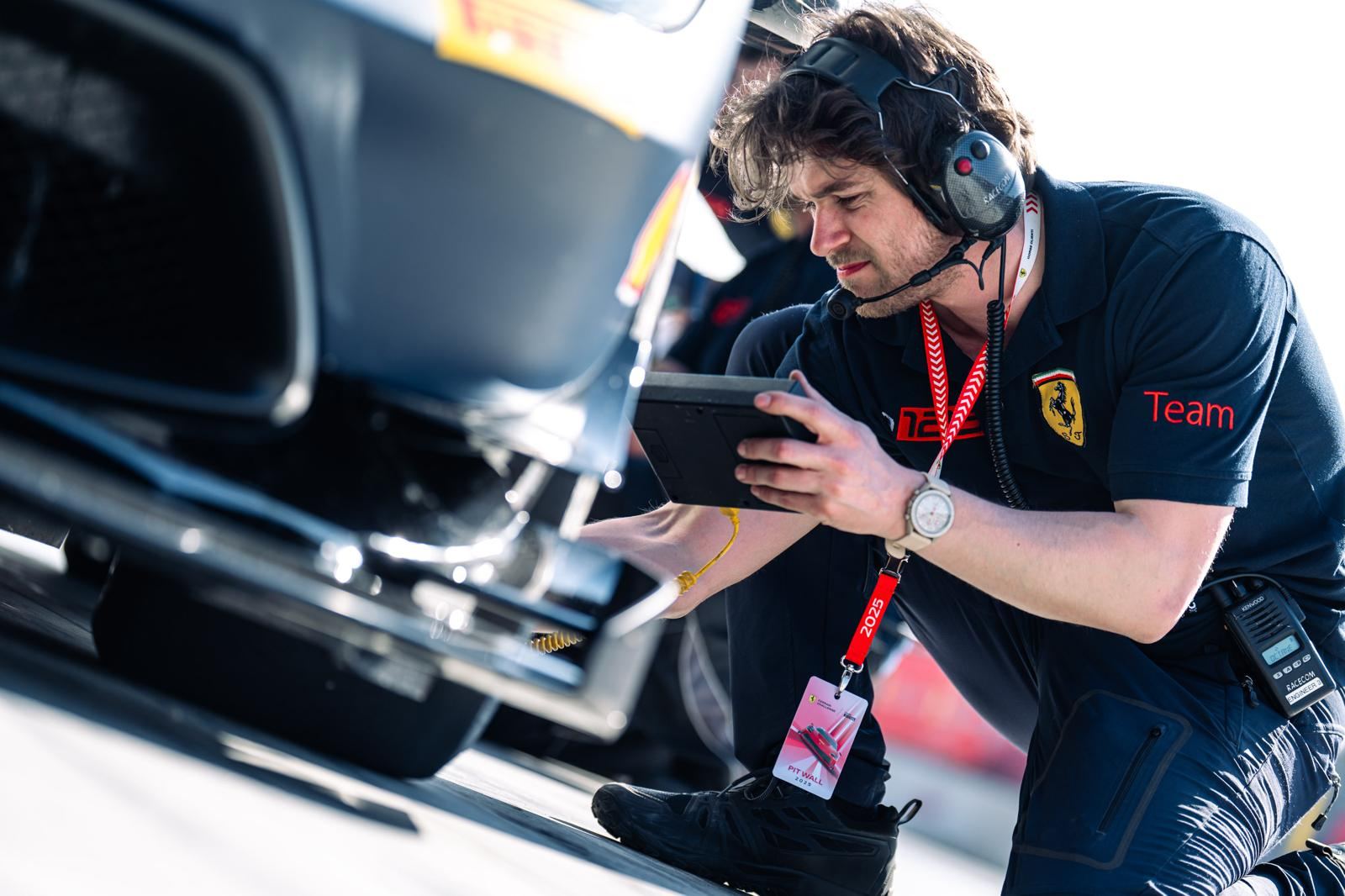
On the pit wall with Octane126, Ferrari Challenge.
Category one
Motorsport
Race engineering, data, and the tools I build to make both faster.
Race engineering
Octane126
Race engineer, Ferrari Challenge Trofeo Pirelli Pro
Feb 2024 to Dec 2025Ferrari 296 Challenge, car 26Driver: Björn Grossmann
I joined as part of a larger engineering group and ended the season as the only engineer on the car. On a race weekend that meant setup, strategy, tyre windows, pit stop timing and the debriefs with Björn. Between events it meant running the six-person crew and the logistics around it: getting the truck ready, cross-border paperwork, schedules.
Built setup proposals from the track, the conditions and the driver's feedback, using a setup wizard I adapted to the car.
Worked on the car model: suspension pick-up points, motion ratios, gear ratios, engine curves and mass.
Wrote a Python stint report so the data was ready before the next run (more below).
Podiums
Pos
Circuit
Class
P1
Mugello
Trofeo Pirelli Pro
P2
Mugello
Trofeo Pirelli Pro
P3
Barcelona
Trofeo Pirelli Pro
P2
Monza
Trofeo Pirelli Pro
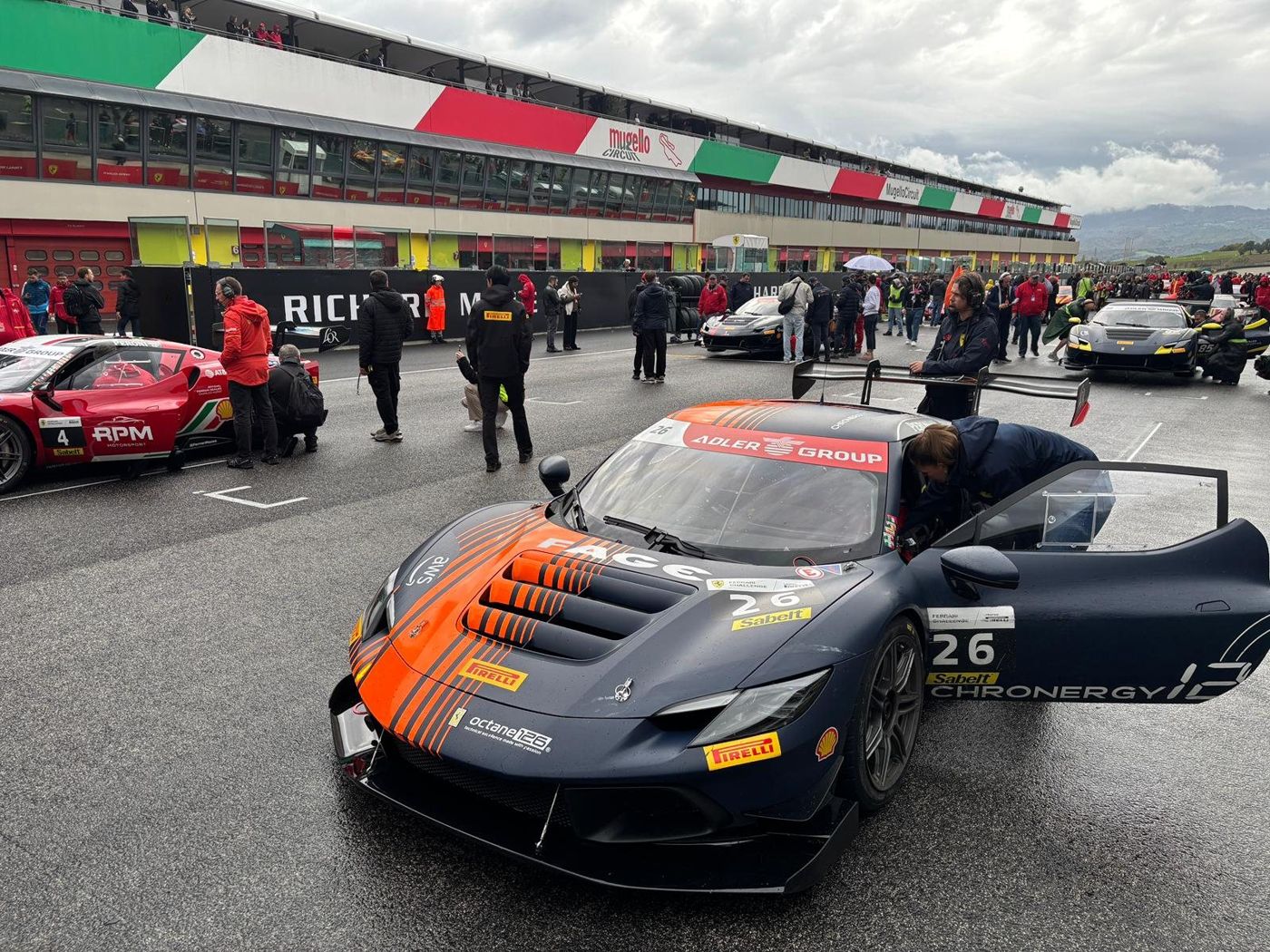
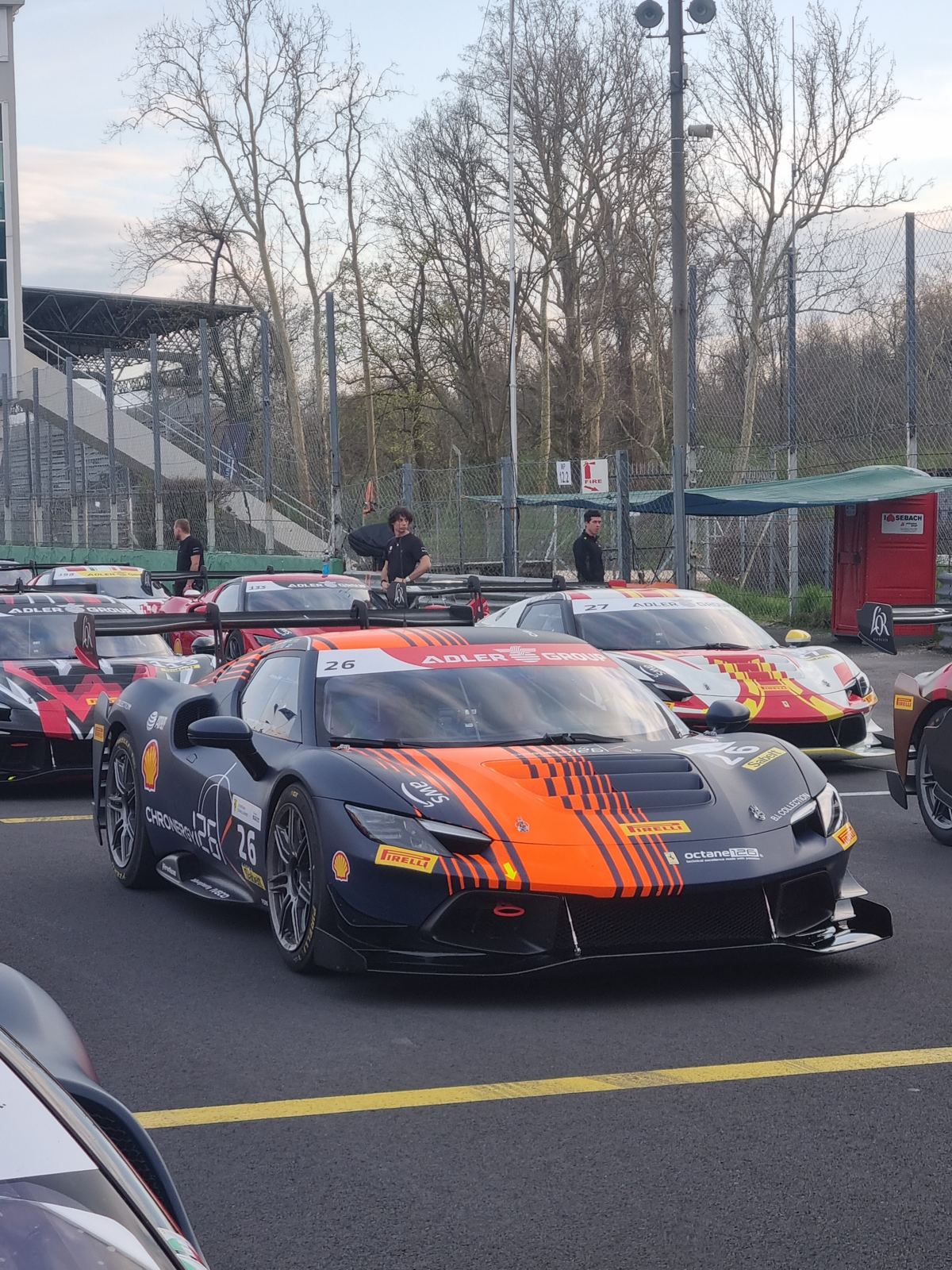
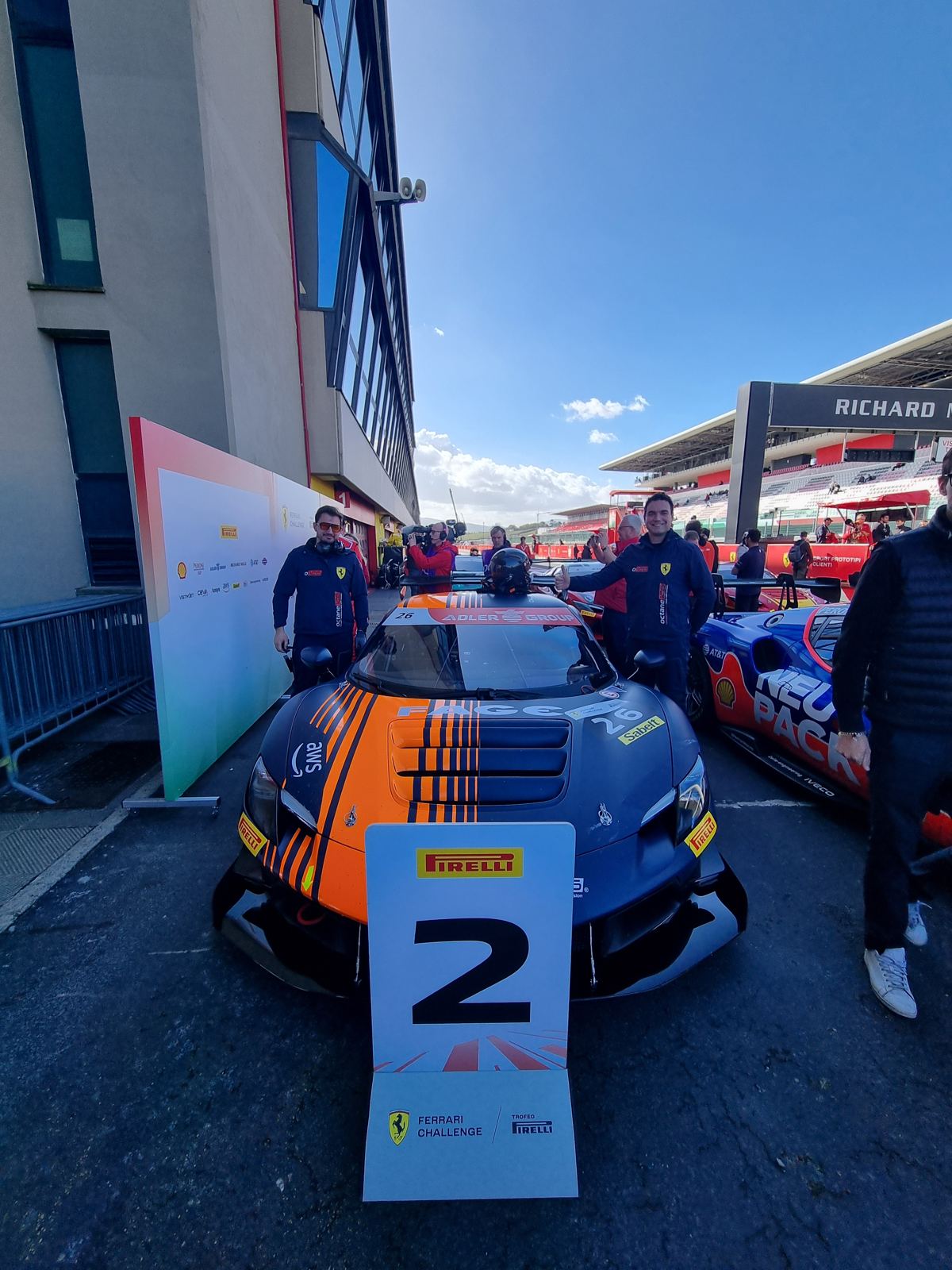
Car 26 on the grid at Mugello.
Simulation software
Chronergy126In development
One platform for everything a race engineer does on a weekend
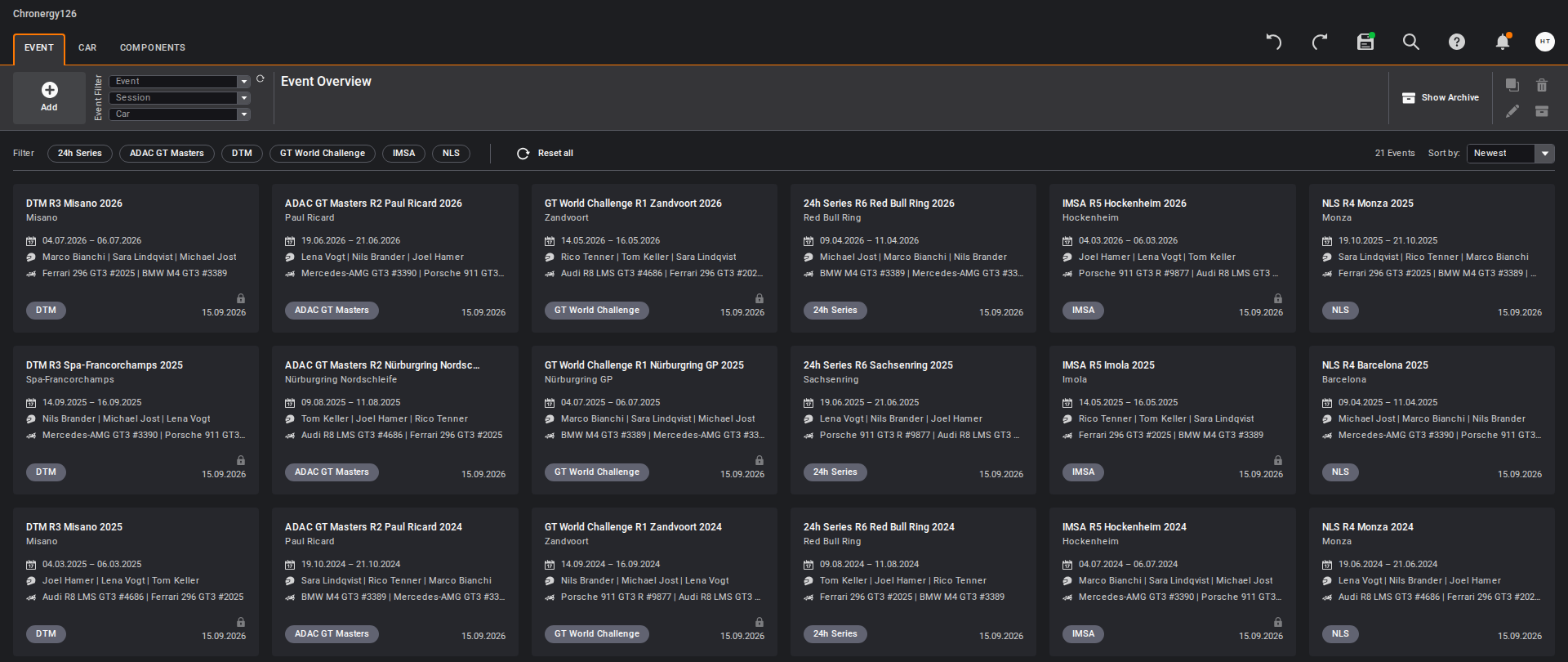
The event overview in the current build. Every session, stint, setup and simulation hangs off an event.
On the pit wall I kept jumping between spreadsheets, the logger software, a sim tool and a dozen chat threads. Chronergy126 puts it in one web app: run plan, tyre allocation, lap time analysis, setup history, simulation and stint reports.
I have worked on Chronergy126 for about two years. I designed the interface in Figma and worked with an external team of six developers and two project managers, running the daily meetings, reviewing the user stories and accepting each delivery. Today I run the project on my own: development, project management and the engineering behind it.
The main technical problem was simulation throughput. One run takes about 30 seconds, so we spread the batches over several Azure machines in parallel. That makes a 200-run study usable during a race weekend, not just between events.
16modules
300+screens designed in Figma
~25 minfor 200 simulations on 4 cloud machines
The vehicle model behind it covers multibody transient dynamics, a thermal tyre model fitted to on-track data, a virtual 7-post rig, and track bump profiles rebuilt from logged car data.
From two hours of clicking to five minutes, twice a day
After each stint, the data engineer exported the logger data, clicked through the channels one tab at a time, checked them against limits they kept in their head, and printed graphs one by one. It took up to two hours per report, and there was no guarantee every graph made it in.
I replaced it with a Python script. You pick the session file and it does the rest: reads the MoTeC or WinTAX export, computes the math channels and KPIs, flags anything outside its limits, draws every plot in the same style, builds the PDF and sends it to the team's WhatsApp group.
The engineers get the same report every time, and I get the time back for driver and setup work.
~2 hper report by hand
~5 minwith the script
Export the logger data
Pick the session file
Channels, KPIs, limit checks
Plots and PDF
Sent to WhatsApp
Training software
Race Engineer AcademyLive
A place to practise the calls a race engineer makes on a weekend
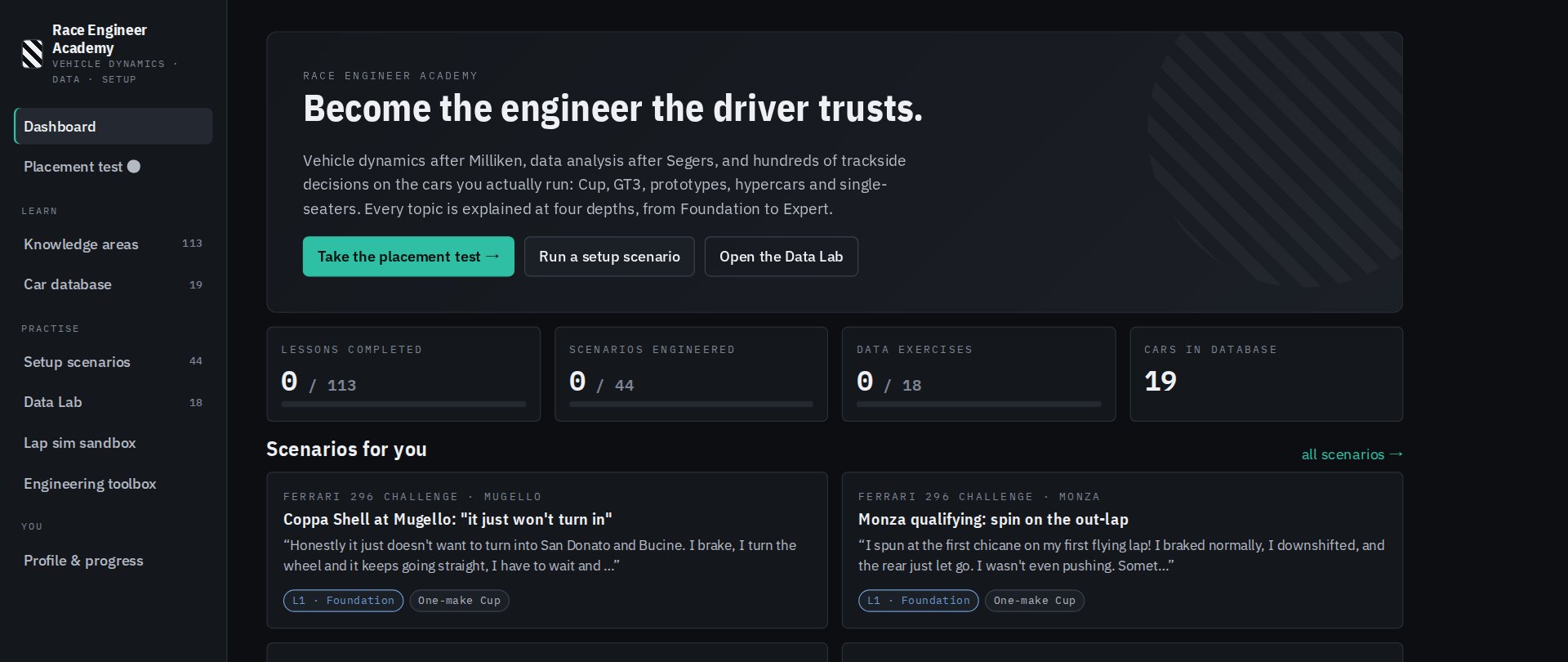
The dashboard. A placement test sets your level in each area, and the academy picks what to work on next.
Most of what a race engineer needs to know is in two books: Milliken's Race Car Vehicle Dynamics and Segers' Analysis Techniques for Racecar Data Acquisition. Reading them is one thing. Using them on a Saturday morning, when the driver says the car won't turn in and FP2 starts in twenty minutes, is another. I built Race Engineer Academy to practise that part, and to get time on cars I haven't run yet: GT3, LMP2, hypercars and single-seaters.
It covers 15 areas, from tyres and dampers to race strategy. Every topic is written at four levels, from Foundation (an engineering graduate in their first season) to Expert (a lead or simulation engineer), with the formulas, typical numbers for each car category and a quiz.
Setup scenarios: a real car on a real track, the driver's words and a data screen. You make the calls one at a time, each is scored best, good, poor or wrong, and you get a debrief at the end.
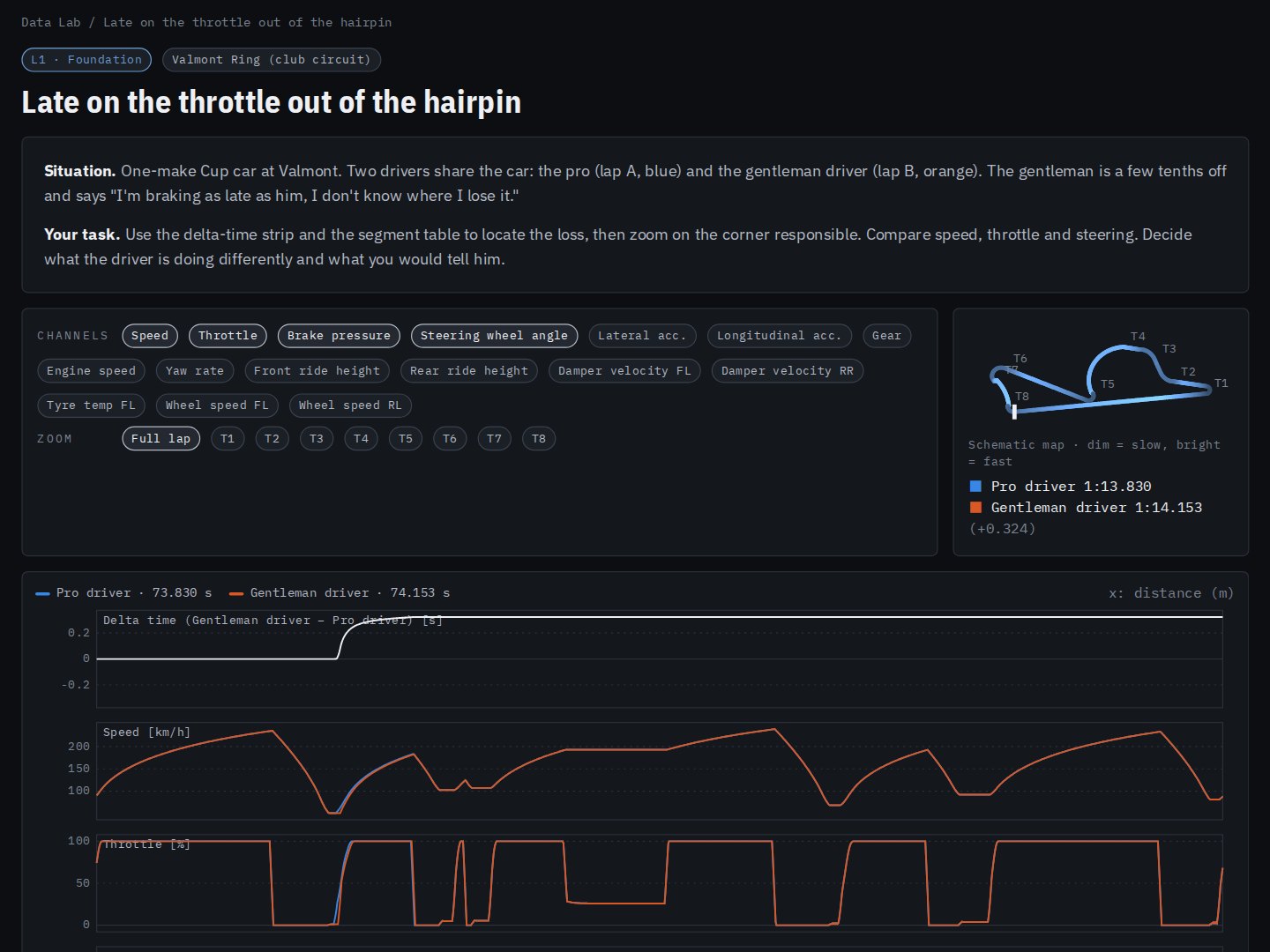
Data Lab: telemetry from a lap simulator built into the app, with a driver or setup problem hidden in one lap. Overlay, delta time and corner zoom to find it.
Car database: 19 cars from Porsche Cup to IndyCar, with every adjustable marked free, limited, BoP-homologated or fixed.
Toolbox: 11 calculators, including motion ratio, roll stiffness, weight transfer, brake balance, gearing and fuel. A sandbox shows how mass, power, grip, downforce and drag change lap time.
113lessons, up to four levels each
520questions
44setup scenarios
The Data Lab runs a quasi-steady-state lap simulator in the browser, using the three-pass method Segers describes. It works out the corner speed limits from grip and downforce, then runs an acceleration pass and a braking pass inside a friction ellipse. It has seven car presets, three tracks and 16 channels. Each exercise plants one problem in a lap, such as late throttle, a lock-up, coasting or wheelspin.
There is no database and no backend. All content is typed TypeScript data, and a validator checks it before every deploy: unique ids, valid answers, every formula compiled. Progress stays in the browser.
I designed the curriculum, the levels and the engineering conventions, and I checked the physics. The code and first drafts of the content were written with Claude Code, Anthropic's AI coding agent, following a content guide I wrote. The book text was only used while writing and is never published: the deploy script refuses to ship it.
React · TypeScript · Vite · KaTeX · Markdown · Vercel · Playwright · Claude Code
A Data Lab exercise. The gentleman driver is 0.3 s off the pro, and all of it goes in one hairpin.
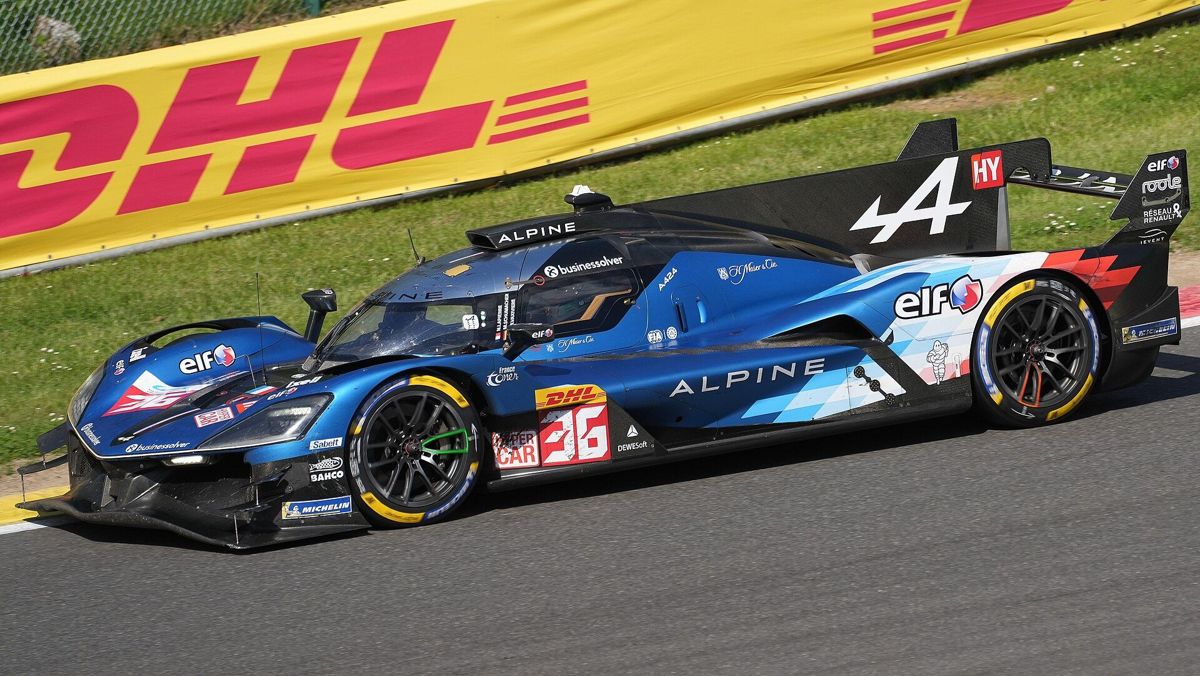
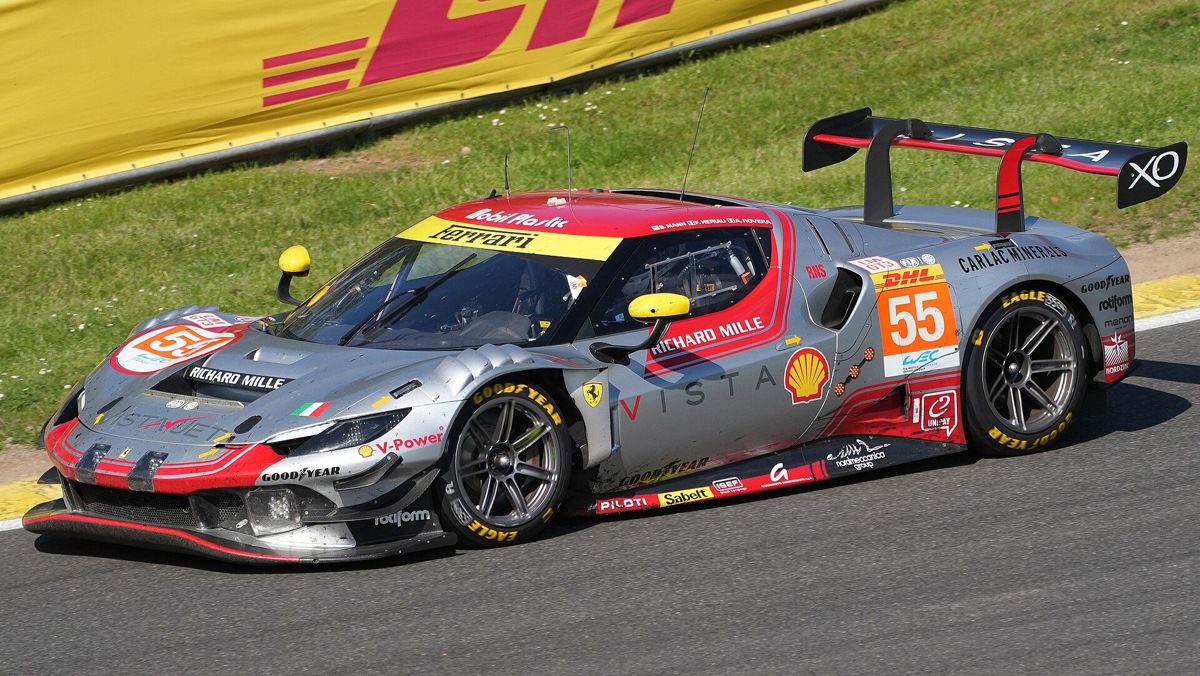
Ferrari 296 GT3 · Alpine A424 LMDh · FIA WEC, ELMS
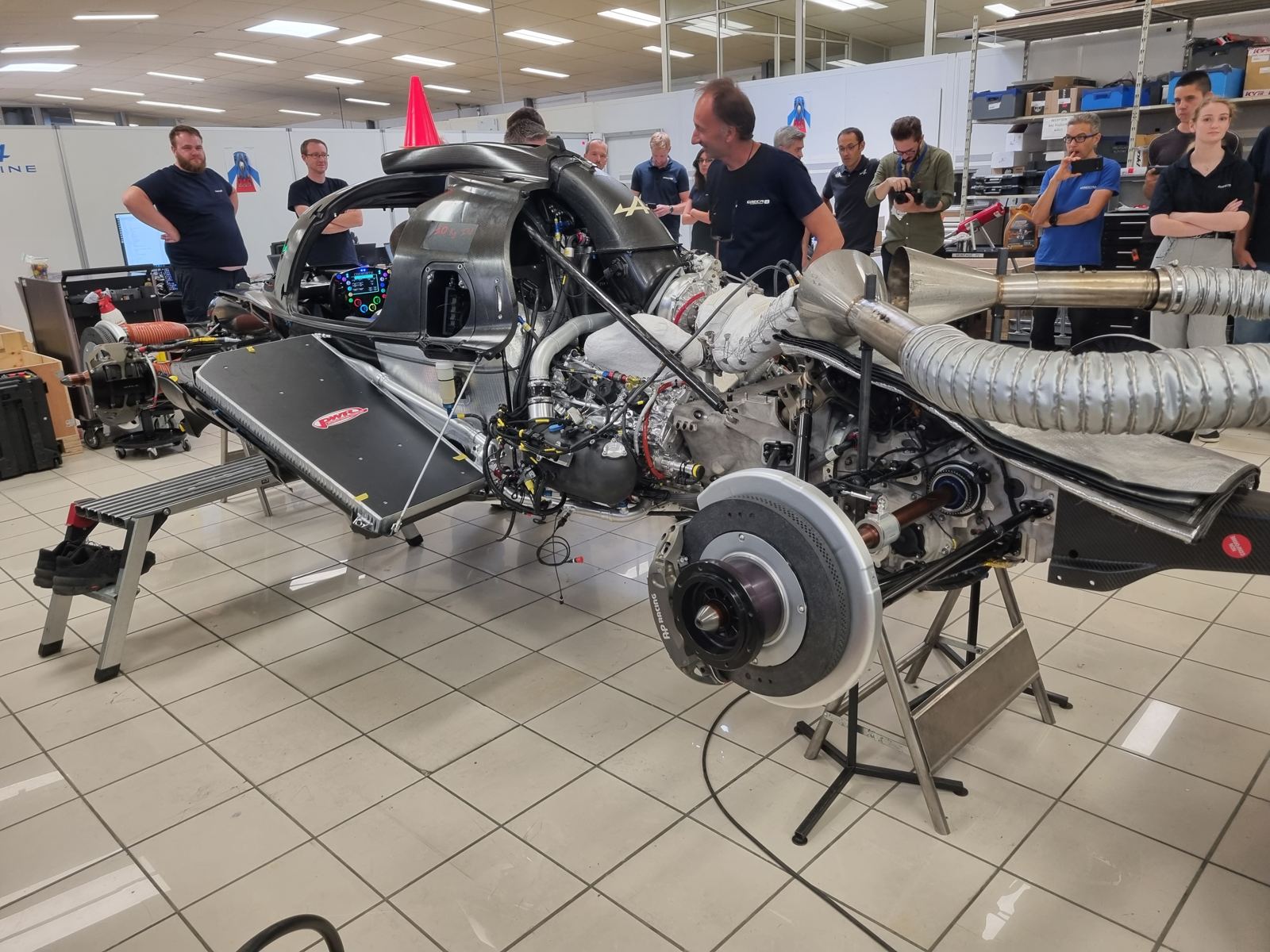
I worked alongside the mechanics through the build of both cars and wrote the illustrated assembly manual for each, around 350 pages apiece. I also started a weekly meeting between the workshop and the design office so a car that kept changing stayed buildable. Seeing how a top team handles that made me a better race engineer.
I built Excel VBA tools for performance reporting on race weekends, including a parts mileage tracker for the GT4 fleet that warns before a part reaches its limit. I also designed, sourced and welded a spring rate test bench so the team could follow spring rates over the season. For the Trophée Andros cars I redesigned the onboard camera mounts as 3D-printed parts, from 120 g down to 80 g.
SocoferMay to Jul 2022 Tours, France
Mechanical design engineer (internship)
Railway · Solid Edge · Li-ion batteries
I ran traction, braking and acceleration calculations for rail vehicles every day. My main project was a lithium-ion battery housing that fights thermal runaway at the cells: on detection, a trap door opens and floods the cells from an onboard glycol-water circuit, and a standard dry riser connection lets the fire brigade plug straight in.
Gallery
From the track
Octane126Ferrari Challenge 2025
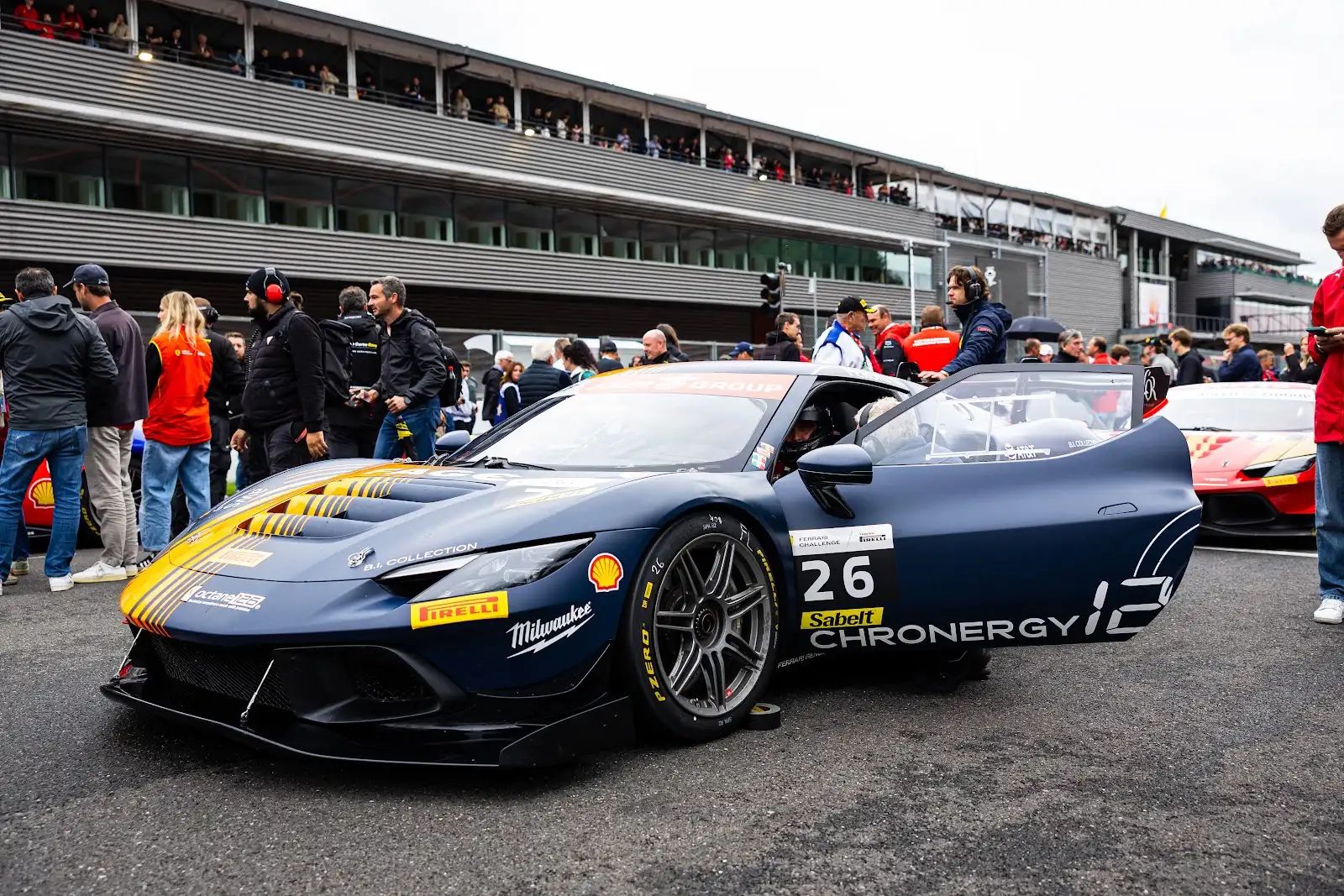
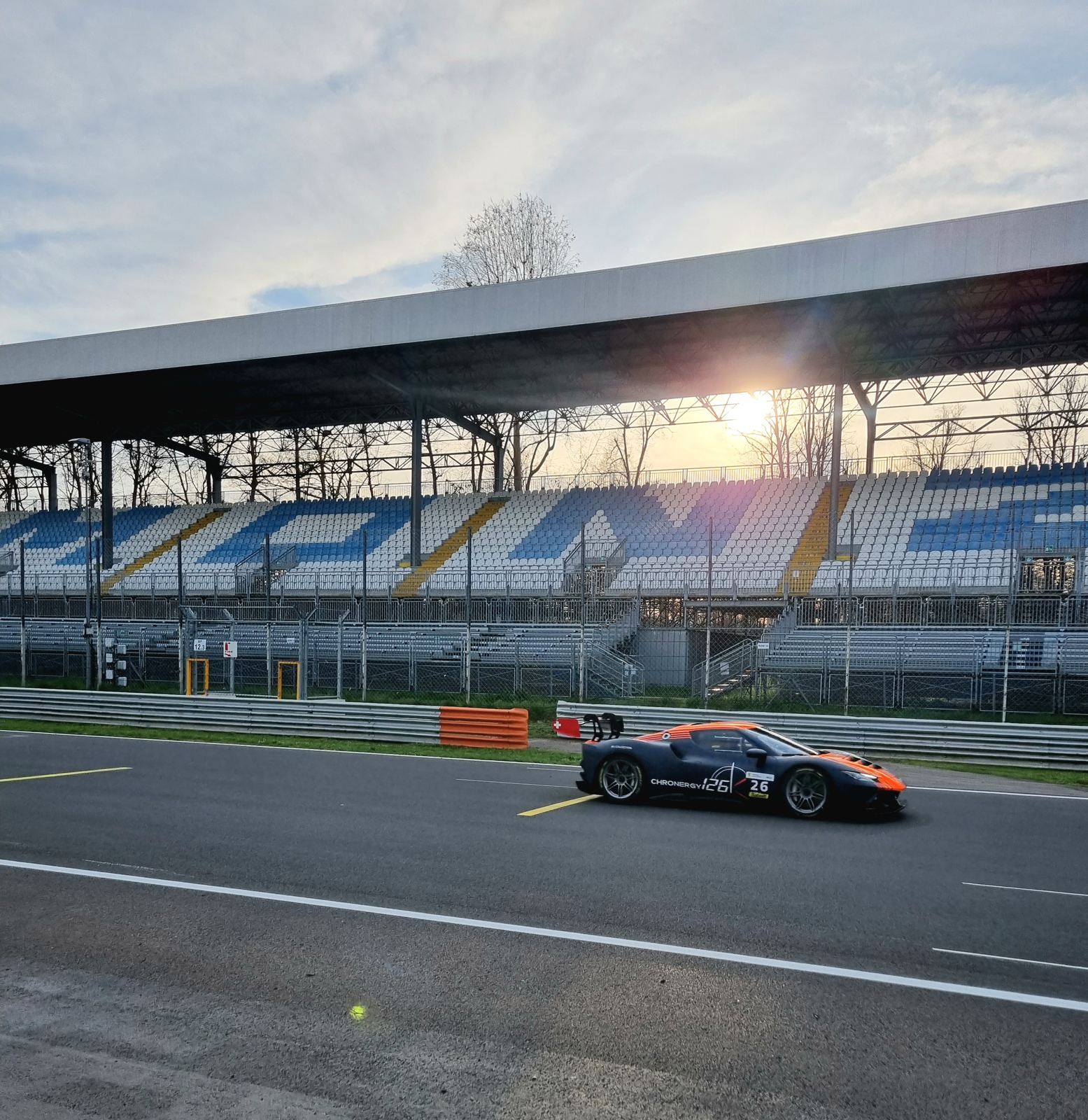
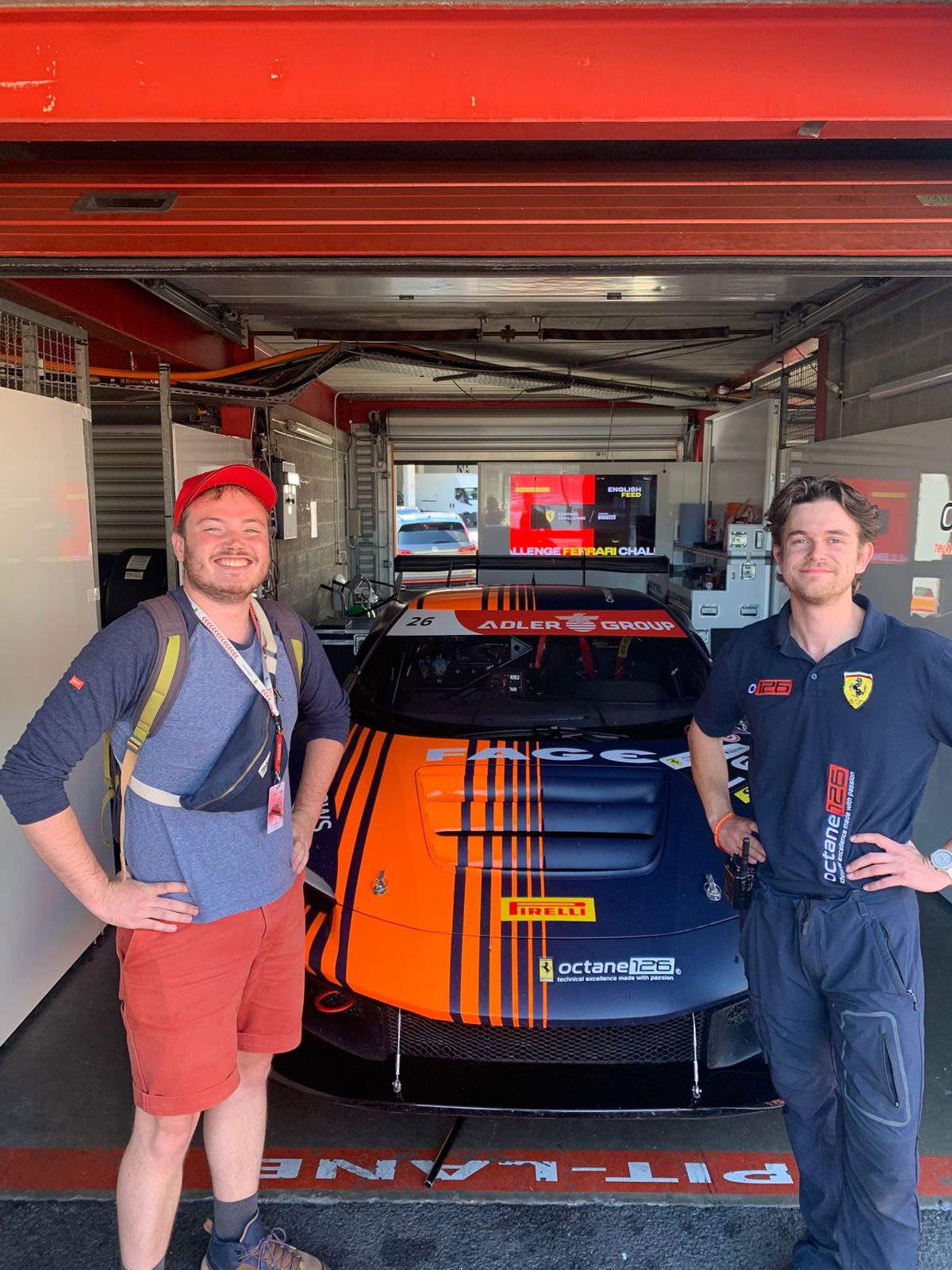
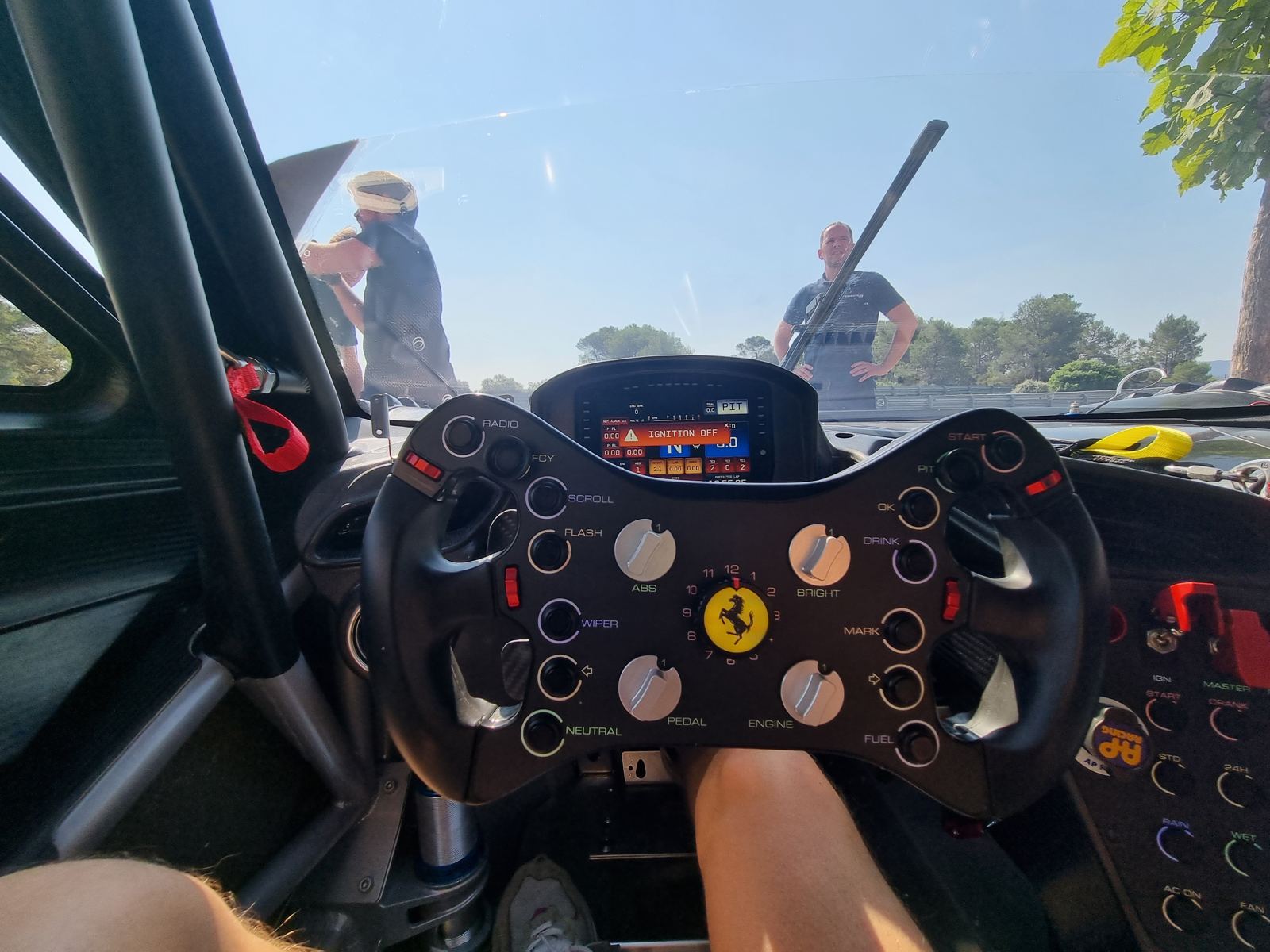
Ferrari 296 Challenge, car 26 shakedown at Monza.Ferrari Challenge 2025, car 26 group picture.Ferrari 296 Challenge at Spa.Tyre temperature check.P2, Ferrari Challenge Mugello, race 1.Ferrari 296 Challenge, car 26 wins at Mugello.
Oreca2023
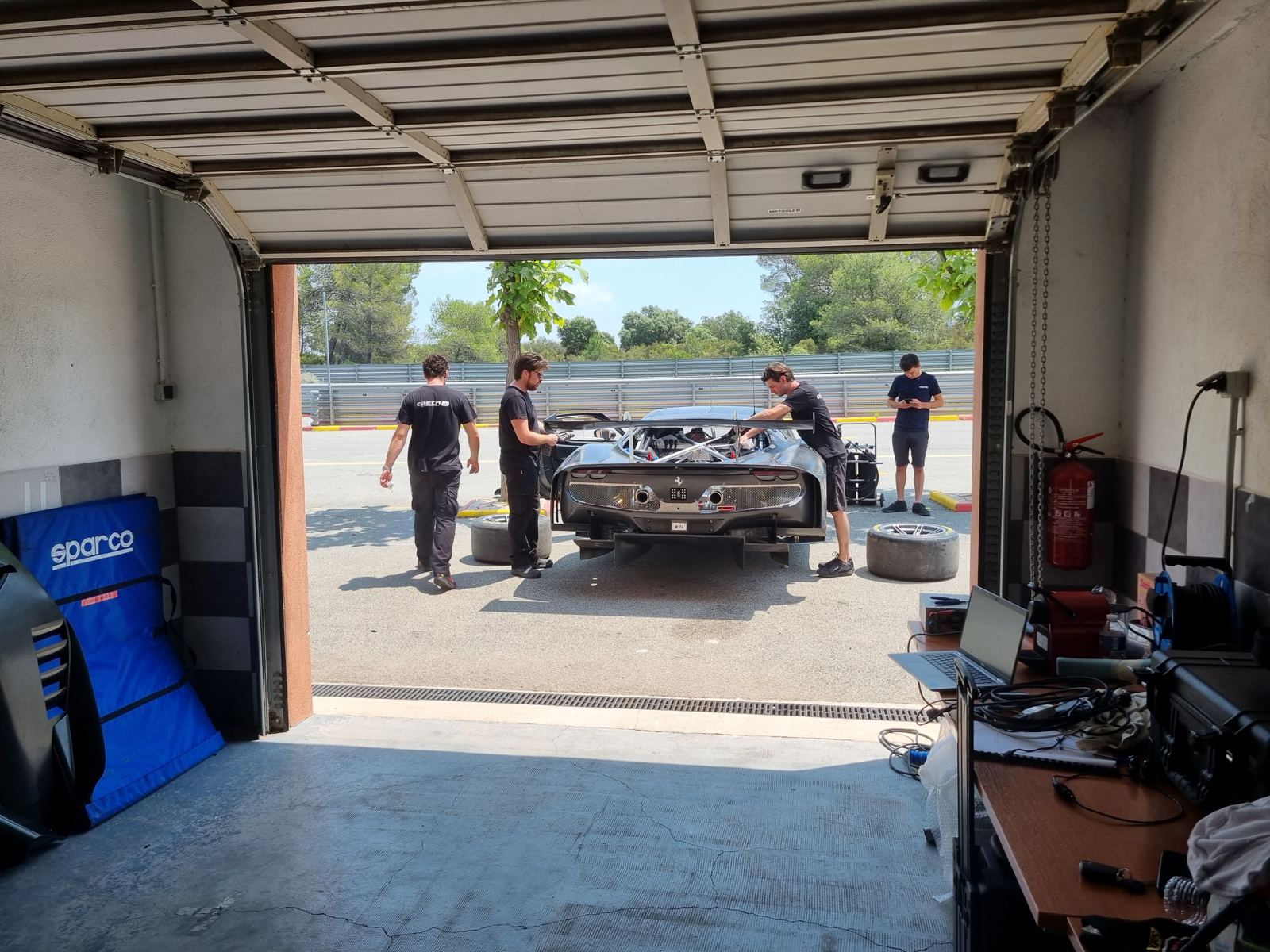
Ferrari 296 GT3 shakedown.Ferrari 296 GT3 shakedown at Circuit du Luc.Alpine A424 Beta engine tests.
Toolbox
What I work with
Race engineering
Setup and strategy, run plans, driver debriefs, team and event management
A vinyl collection app that feels like your living room
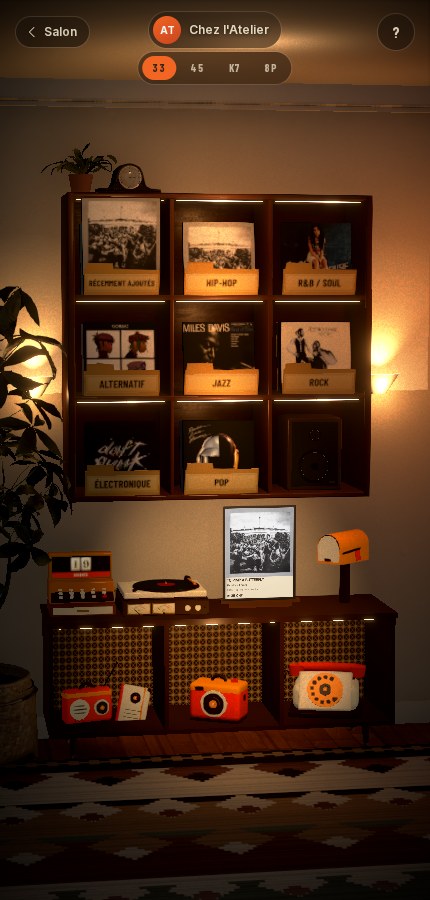
Every record collection app I tried was a list. I wanted mine to feel like standing in front of my shelves. In Spindle your records live on a teak record wall in a warm 3D living room, one cubby per genre, and every feature is an object in that room.
The record wall
Swipe through the cubbies. Tap one and its crate slides out like a drawer so you can flip through the sleeves.
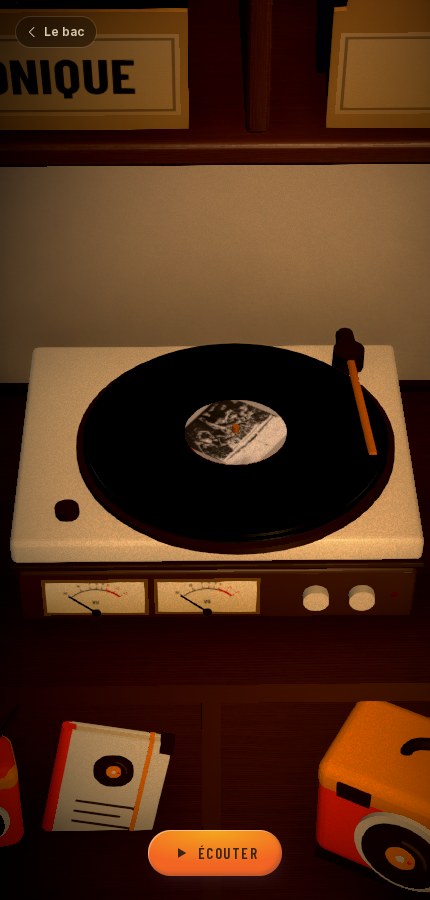
The turntable
Drop the needle and hear a 30-second preview.
The camera
Add a record by scanning its barcode (exact pressing and market value from Discogs) or by photographing the sleeves.
The phone
Call a friend and visit their room to browse their shelves.
The radio
Random previews by station and genre.
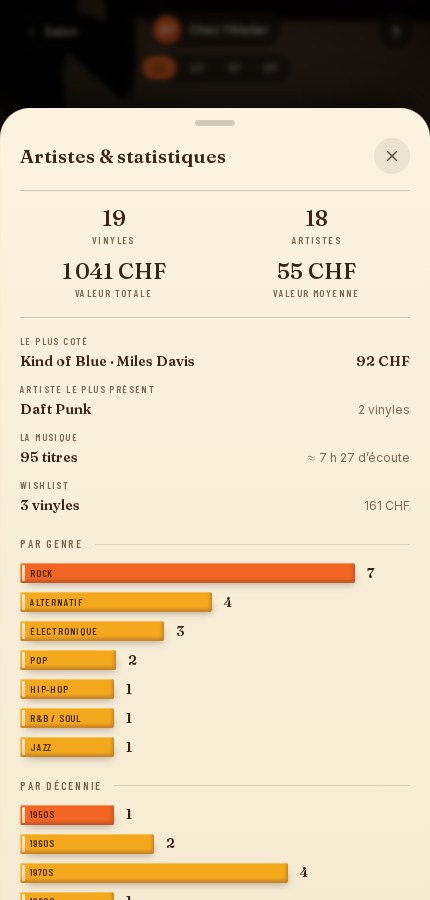
The notebook
Your want list, which warns you before you buy a record twice.